
show#
- PrimePlotter.show(plottable_object=None, screenshot=None, name_filter=None, scope=None, **plotting_options)#
Show the plotted objects.
- Parameters:
- plottable_object
Any, default:None Object to show.
- screenshot
str, default:None Path to save a screenshot to.
- name_filter
str, default:None Regular expression with the desired name or names to include in the plotter.
- **plotting_options
dict, default:None Keyword arguments. For allowable keyword arguments, see the
Plotter.add_meshmethod. Options only applied to PyVista plottable objects.
- plottable_object
- Return type:
Examples using PrimePlotter.show#
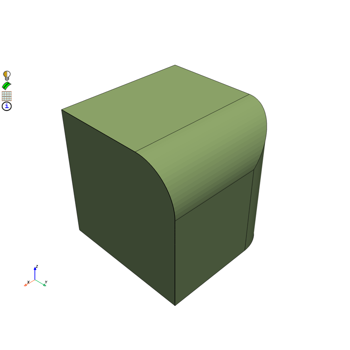
Convert data when importing and exporting mesh and CAD formats
Convert data when importing and exporting mesh and CAD formats
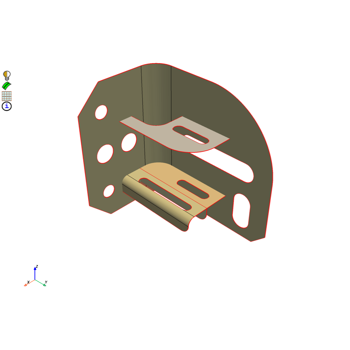
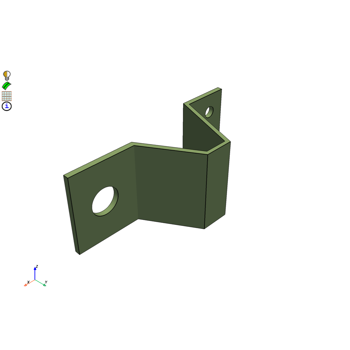
Mesh a mid-surfaced bracket for a structural analysis
Mesh a mid-surfaced bracket for a structural analysis
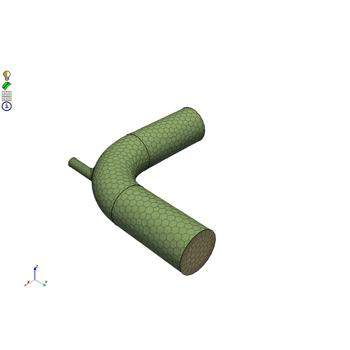
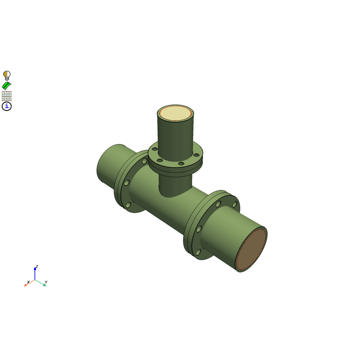
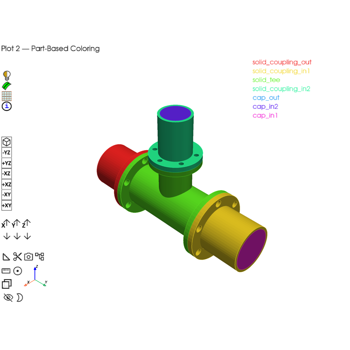
Mesh a pipe T-section for structural thermal and fluid flow analysis
Mesh a pipe T-section for structural thermal and fluid flow analysis
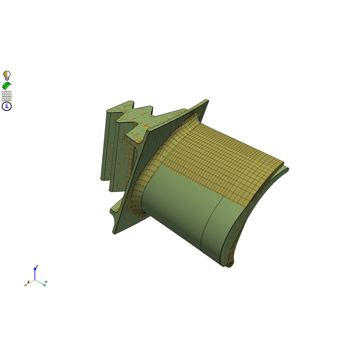
Morph a hexahedral mesh of a turbine blade to a new shape
Morph a hexahedral mesh of a turbine blade to a new shape
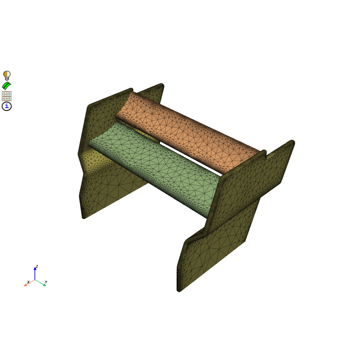
Mesh a generic F1 car rear wing for external aero simulation
Mesh a generic F1 car rear wing for external aero simulation
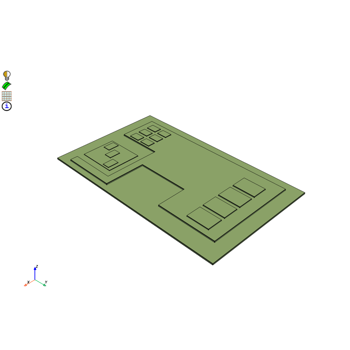
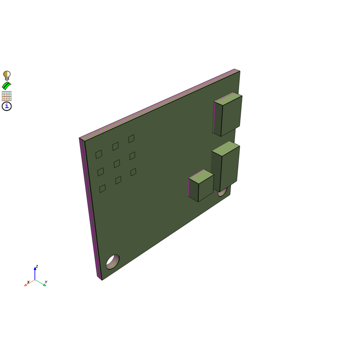
Mesh a generic PCB geometry with multiple hexa layers
Mesh a generic PCB geometry with multiple hexa layers
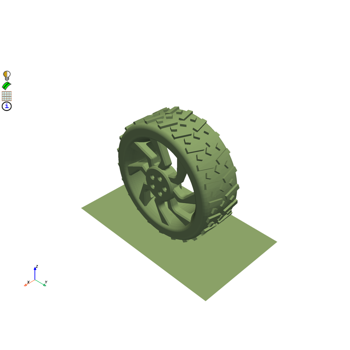
Create a contact patch for wrapping between a wheel and ground interface
Create a contact patch for wrapping between a wheel and ground interface