PrimePlotter#
- class ansys.meshing.prime.graphics.PrimePlotter(use_trame=None, allow_picking=True)#
Create a plotter for PyPrimeMesh models.
This plotter is a wrapper around the PyAnsys generic plotter with additional functionality for PyPrimeMesh.
- Parameters:
Methods
PrimePlotter.add_labels(points, labels[, ...])Add labels at 3D point locations.
PrimePlotter.add_legend(entries, **kwargs)Add a legend to the scene.
PrimePlotter.add_lines(points[, ...])Add line segments to the scene.
PrimePlotter.add_mesh(mesh[, metadata])Add a mesh or MeshObjectPlot to the scene with optional metadata tracking.
PrimePlotter.add_model(model[, scope, update])Add a Prime model to the plotter.
PrimePlotter.add_model_pd(model_pd)Add a model to the plotter.
PrimePlotter.add_planes([center, normal, ...])Add a plane to the scene.
PrimePlotter.add_point_labels(points, ...)Add point labels to the scene.
PrimePlotter.add_points(points[, color, size])Add point markers to the scene.
PrimePlotter.add_scope(model, scope[, update])Add a scope to the plotter.
PrimePlotter.add_text(text, **kwargs)Add text annotation to the scene.
PrimePlotter.animate(frames[, fps, loop, ...])Create an animation from a sequence of frames.
Clear all actors from the scene.
PrimePlotter.get_scalar_colors(mesh_info)Get the scalar colors for the mesh.
PrimePlotter.plot(plottable_object[, scope, ...])Add an object to the plotter.
PrimePlotter.plot_iter(plotting_list[, ...])Add a list of any type of object to the scene.
PrimePlotter.show([plottable_object, ...])Show the plotted objects.
Attributes
Return the base plotter object.
Get the information actor map for the selected information widget.
Get the underlying PyVista plotter scene for direct rendering control.
Examples using PrimePlotter#
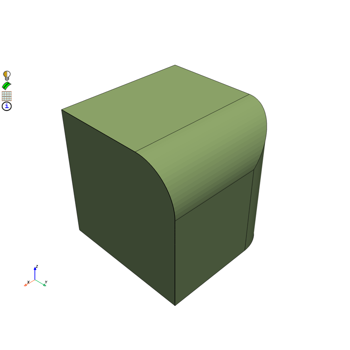
Convert data when importing and exporting mesh and CAD formats
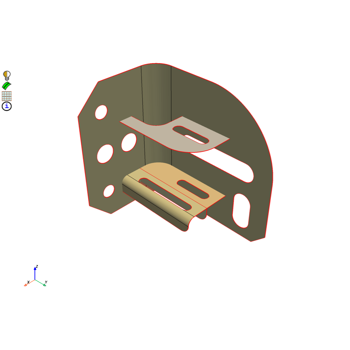
Mesh a mid-surfaced bracket for a structural analysis
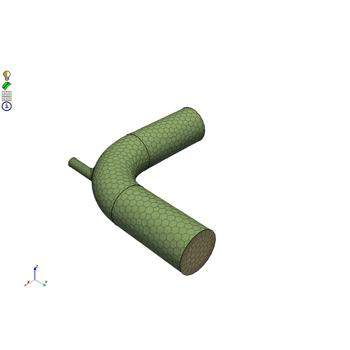
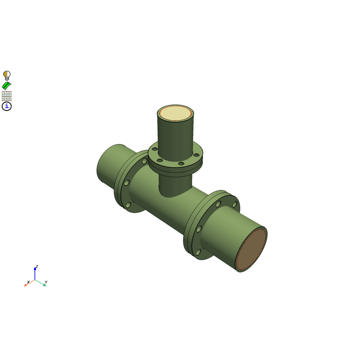
Mesh a pipe T-section for structural thermal and fluid flow analysis
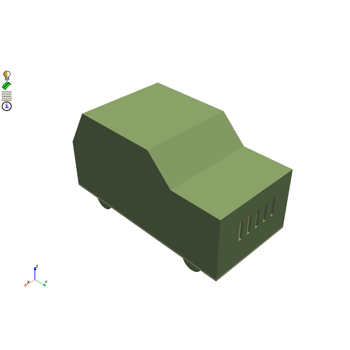
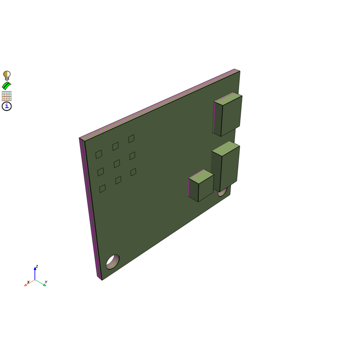
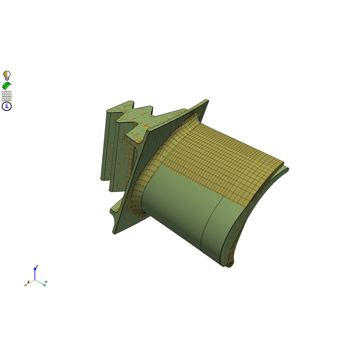
Morph a hexahedral mesh of a turbine blade to a new shape
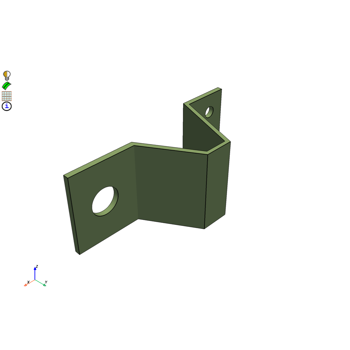
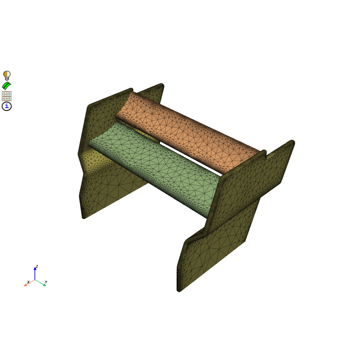
Mesh a generic F1 car rear wing for external aero simulation
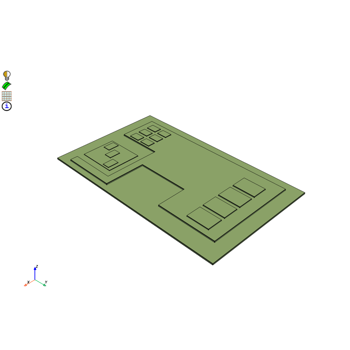
Mesh a generic PCB geometry with multiple hexa layers
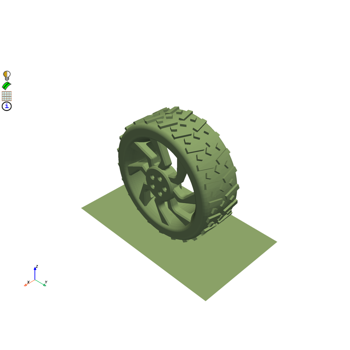
Create a contact patch for wrapping between a wheel and ground interface