
Client#
- class ansys.meshing.prime.Client(*, server_process=None, ip='127.0.0.1', port=50055, timeout=20.0, credentials=None, connection_type=ConnectionType.GRPC_SECURE, uds_id=None, client_certs_dir=None, **kwargs)#
Provides the
Clientclass for PyPrimeMesh.- Parameters:
- server_process
Any,optional Server process in the system. The default is
None.- ip
str,optional IP address where the server is located. The default is
defaults.ip().- port
int,optional Port where the server is deployed. The default is
defaults.port().- timeout
float,optional Maximum time to wait for connection. The default is
defaults.connection_timeout().- credentials
Any,optional Credentials to connect to the server. The default is
None.- uds_id
Optional[str],optional Id for the Unix Domain Socket (UDS). The default is
None.- client_certs_dir
Optional[str] Directory containing client certificates for mutual TLS.
- Raises
- ——
- ValueError
Failed to load the communicator.
- server_process
Methods
Close the connection with the server.
Client.run_on_server(recipe)Run a recipe on the server.
Attributes
Get model associated with the client.
Examples using Client#
Convert data when importing and exporting mesh and CAD formats
Mesh a mid-surfaced bracket for a structural analysis
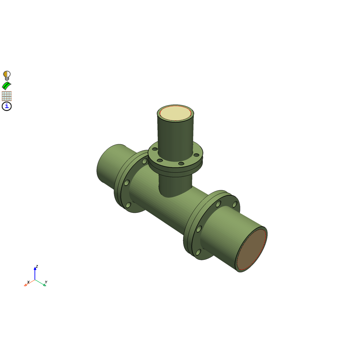
Mesh a pipe T-section for structural thermal and fluid flow analysis
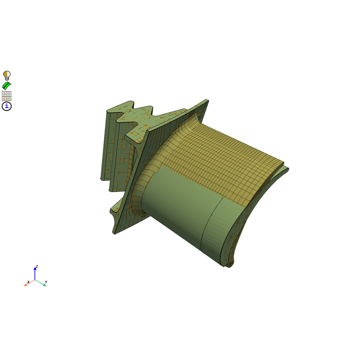
Morph a hexahedral mesh of a turbine blade to a new shape
Mesh a generic F1 car rear wing for external aero simulation
Mesh a generic PCB geometry with multiple hexa layers
Create a contact patch for wrapping between a wheel and ground interface