
launch_prime#
- ansys.meshing.prime.launch_prime(prime_root=None, ip='127.0.0.1', port=50055, timeout=20.0, connection_type=ConnectionType.GRPC_SECURE, client_certs_dir=None, server_certs_dir=None, n_procs=None, version=None, **kwargs)#
Launch an instance of Ansys Prime Server and get a client for it.
- Parameters:
- prime_root: Optional[str]
Root directory for Ansys Prime Server.
- ip: str
IP address to start the server at. The default is
127.0.0.1.- port: int
Port at which the server is started. The default is
50055.- timeout: float
Maximum time in seconds to wait for the client to connect to the server. The default is
20.0.- n_procs: Optional[int]
When running in distributed mode, the number of distributed processes to spawn. The default is
None, in which case the server is launched as the only process (normal mode). The process marked asNode 0hosts the gRPC server.- client_certs_dir
Optional[str] Directory containing client certificates for mutual TLS.
- server_certs_dir
Optional[str] Directory containing server certificates for mutual TLS.
- Returns:
- :
ClientInstance of the client that is connected to the launched server.
- Raises:
FileNotFoundErrorWhen there is an error in file paths used to launch the server.
ConnectionErrorWhen there is an error in connecting to the gRPC server.
Examples using launch_prime#
Convert data when importing and exporting mesh and CAD formats
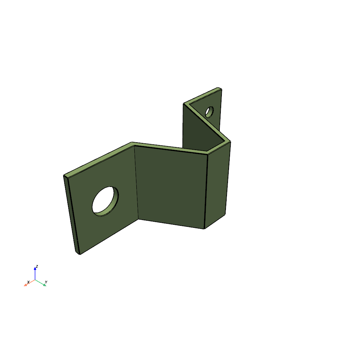
Mesh a mid-surfaced bracket for a structural analysis
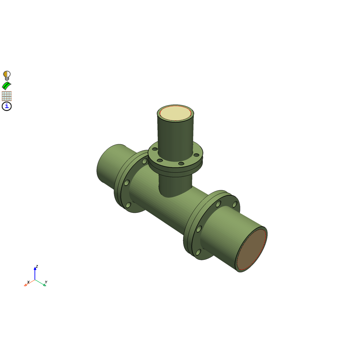
Mesh a pipe T-section for structural thermal and fluid flow analysis
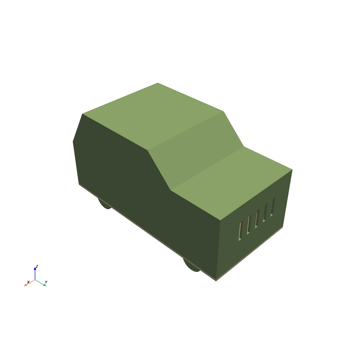
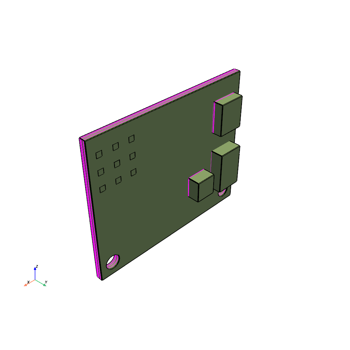
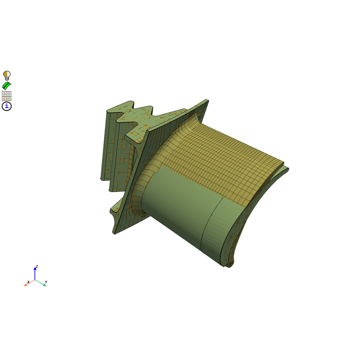
Morph a hexahedral mesh of a turbine blade to a new shape
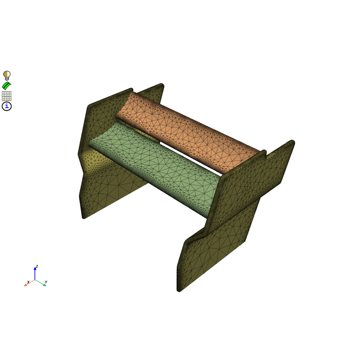
Mesh a generic F1 car rear wing for external aero simulation
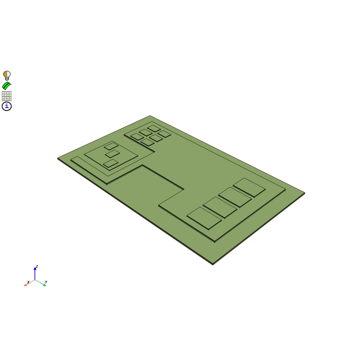
Mesh a generic PCB geometry with multiple hexa layers
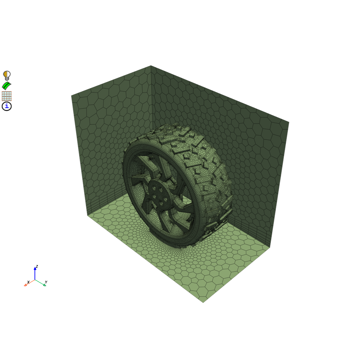
Create a contact patch for wrapping between a wheel and ground interface