CheckMeshResults#
- class ansys.meshing.prime.CheckMeshResults(model=None, has_non_positive_volumes=None, has_non_positive_areas=None, has_invalid_shape=None, has_left_handed_faces=None, error_code=None, warning_codes=None, json_data=None, **kwargs)#
Result associated with the check mesh operation.
- Parameters:
- model: Model
Model to create a
CheckMeshResultsobject with default parameters.- has_non_positive_volumes: bool, optional
Indicates whether mesh has non positive volumes.
- has_non_positive_areas: bool, optional
Indicates whether mesh has non positive areas.
- has_invalid_shape: bool, optional
Indicates whether mesh has invalid shape.
- has_left_handed_faces: bool, optional
Indicates whether mesh has left handed faces.
- error_code: ErrorCode, optional
Error code associated with the check grid operation.
- warning_codes: List[WarningCode], optional
Warning codes associated with the check grid operation.
- json_data: dict, optional
JSON dictionary to create a
CheckMeshResultsobject with provided parameters.
Examples
>>> check_mesh_results = prime.CheckMeshResults(model = model)
Methods
Print the default values of
CheckMeshResultsobject.CheckMeshResults.set_default([...])Set the default values of the
CheckMeshResultsobject.Attributes
Error code associated with the check grid operation.
Indicates whether mesh has invalid shape.
Indicates whether mesh has left handed faces.
Indicates whether mesh has non positive areas.
Indicates whether mesh has non positive volumes.
Warning codes associated with the check grid operation.
Examples using CheckMeshResults#
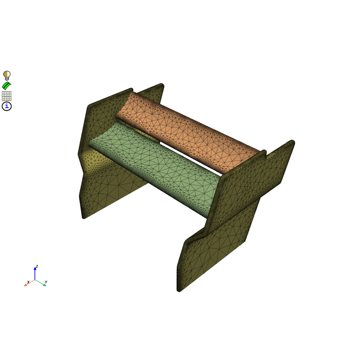
Mesh a generic F1 car rear wing for external aero simulation